

YouTube's data consumption is influenced by various factors, such as video quality, viewing duration, and whether the content is live or pre-recorded. Higher resolutions like 1080p and 4K consume more data compared to lower ones like 480p. Watching in standard definition (SD) requires significantly less data than viewing in high-definition (HD) or ultra-high-definition (UHD).
Fortunately, users can control their data usage by adjusting video settings or enabling features like Data Saver mode. Understanding how YouTube uses data empowers users to better tailor their mobile or Wi-Fi plans to avoid excessive usage.
How Much Data Does YouTube Use Per Hour?
The amount of data YouTube consumes per hour depends on the video quality you select:
- 480p (SD): data usage ranges from 480MB to 660MB.
- 720p (HD): data usage varies between 1GB and 1.2GB per hour.
- 1080p (Full HD): data consumption increases to approximately 2.5GB to 3GB per hour.
- 4K (UHD): data usage is significantly higher, ranging from 5.5GB to 8GB per hour.
Keep in mind that these figures may fluctuate slightly due to factors like frame rate, bitrate, and compression settings.
How Can I Reduce YouTube Data Usage on My Mobile Device?
To minimize YouTube's data consumption on your smartphone, consider these straightforward tips:
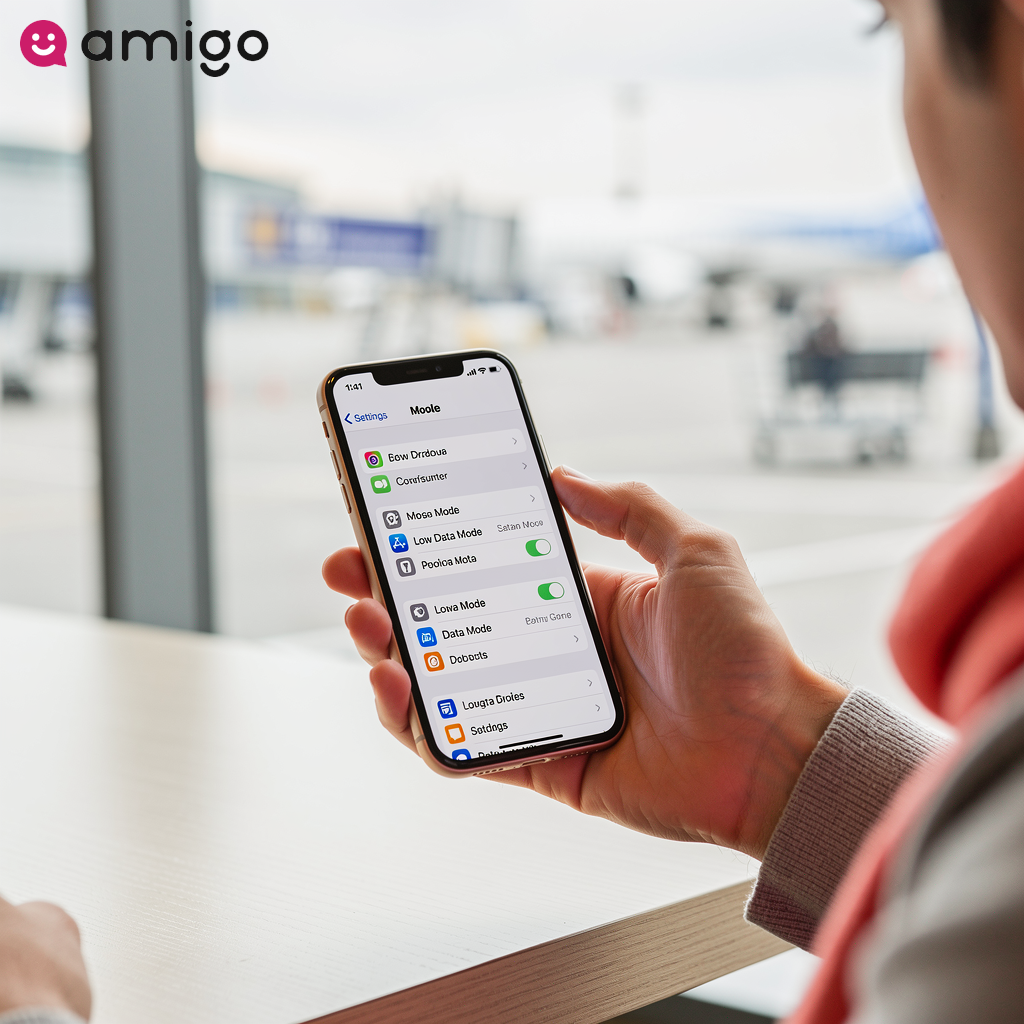
Adjust video quality: Opt for a lower video resolution to conserve data. In the YouTube app, navigate to Settings > Video quality preferences, and select either Data saver or a lower resolution such as 480p (SD) instead of HD or 4K.
Favor Wi-Fi over mobile data: Streaming through Wi-Fi significantly reduces mobile data usage. Adjust your settings so that HD videos only stream when you're connected to Wi-Fi.
Download videos for offline access: If you have YouTube Premium, take advantage of downloading videos via Wi-Fi, allowing you to watch them offline without using your mobile data.
Monitor background data usage: Review your phone's data settings to track how much data YouTube is consuming and restrict background activity if necessary.
How Can I Monitor My YouTube Data Usage?
To monitor how much data YouTube is consuming on your device, try these methods:
Check Your Device's Settings
- iPhone: Navigate to Settings > Cellular and look for the YouTube app to see its data usage.
- Android: Head to Settings > Apps, select YouTube, and review its Usage details.
- Google Pixel: Go to Settings > Network & internet > SIMs > App data usage, then find YouTube.
Use Data Management Apps
Consider downloading apps such as Data Usage Analyzer on Android, which can track real-time data consumption across all your applications.
Does YouTube Premium Reduce Data Usage?
YouTube Premium itself doesn't directly reduce your data usage while streaming videos. However, it provides useful features like Smart Downloads, which automatically saves recommended videos over Wi-Fi for you to enjoy offline. This means you can watch them without consuming mobile data. Additionally, YouTube Premium allows you to download specific videos for offline viewing, helping conserve data since no internet connection is required.
Although the service doesn't alter video quality settings or compression rates to reduce data consumption, there are other steps you can take. For instance, manually selecting a lower video resolution or connecting to Wi-Fi instead of relying on mobile networks can significantly reduce your data usage.
What's the Data Usage of YouTube Shorts?
YouTube Shorts consumes approximately 6MB per minute, adding up to roughly 360MB per hour. While this is less than standard YouTube videos, the data usage can still accumulate over time. When compared to TikTok and Instagram Reels, Shorts generally requires slightly less data.
If you're concerned about excessive data consumption, features such as YouTube Premium's Smart Downloads for Shorts enable offline viewing, which can significantly reduce mobile data usage.