

What is a pocket WiFi in Japan?
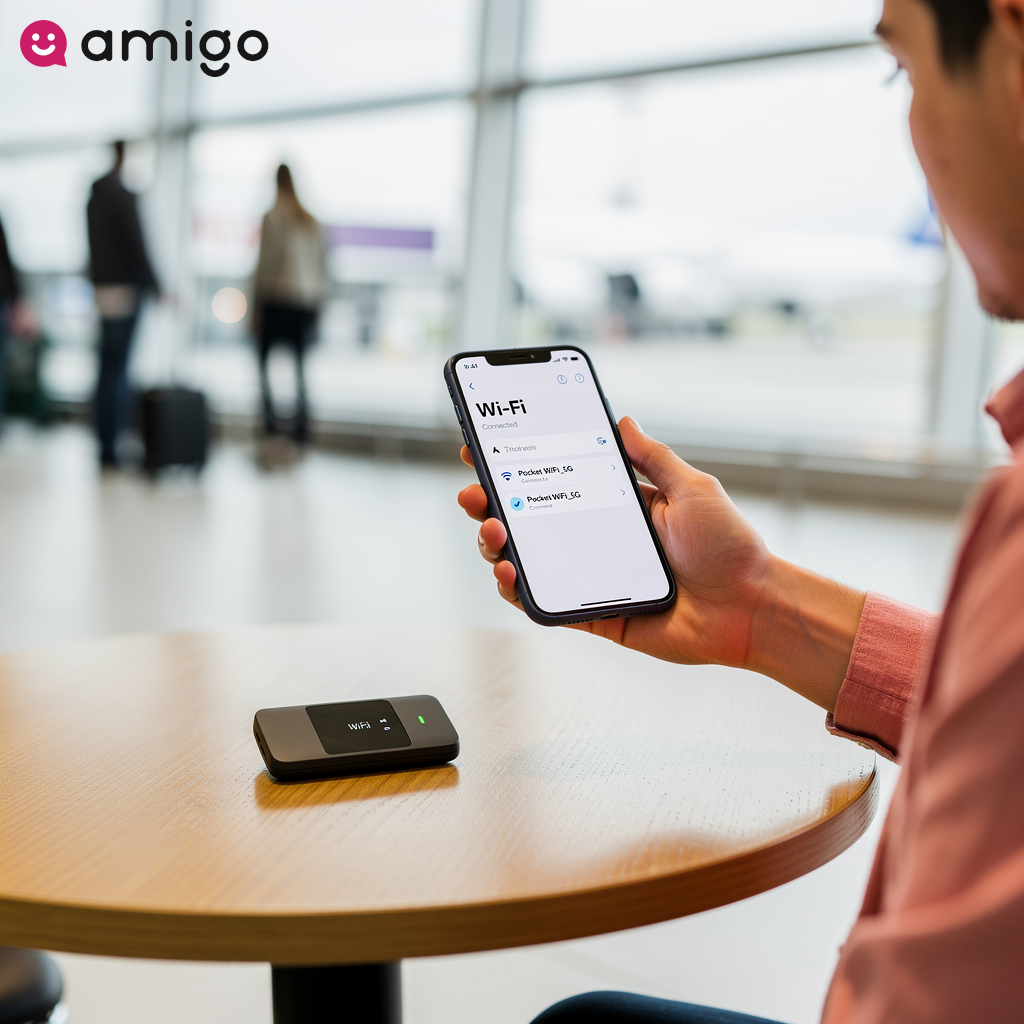
A pocket WiFi is a compact, battery-powered portable router that turns local cellular signals into your own personal WiFi network. This mobile hotspot provides reliable coverage for over 99% of the population in Japan. Instead of altering your phone's settings or swapping SIM cards, you simply connect to this encrypted network just like you would at a coffee shop or hotel. These devices remain one of the most popular ways to get online alongside physical SIM cards and digital eSIMs.
How do portable routers utilize 4G LTE and 5G networks?
A portable router converts local cellular data into a private mobile hotspot. This direct link provides a steady signal whether you're navigating a dense city center, exploring a rural village, or hiking in mountainous regions. The pocket WiFi keeps your internet speeds fast as long as travelers maintain active travel data plans.
Pocket WiFi in Japan key features and specifications
| Feature | Key data | Details |
|
Network coverage |
Over 99% of the population |
Utilizes local 4G LTE and 5G cellular signals to create a private mobile hotspot. |
|
Device capacity |
5 to 15 devices |
Allows simultaneous connection for multiple phones, tablets, and laptops. |
|
Battery life |
5 to 14 hours |
An external power bank is recommended to ensure uninterrupted access throughout the day. |
|
Data throttling |
8GB or 10GB daily threshold |
Speeds drop to 128 kbps if the fair usage policy limit is exceeded in one day. |
|
Security |
WPA2-PSK encryption |
Provides a private and safe connection for tasks like banking and travel bookings. |
|
Rental logistics |
Pre-book, pickup, drop-off |
|
What are the benefits of a pocket WiFi for Japan travel?
If you're on the fence about renting a pocket WiFi, here's why it might be worth it.
- Cost savings: They're significantly cheaper than international data roaming fees, especially if you choose an unlimited plan.
- Battery preservation: Your phone uses less battery connecting to a nearby WiFi signal than it does constantly hunting for distant cell towers.
- Enhanced security: Routers provide a private, WPA2-PSK encrypted connection to keep your data safe.

How many devices can share a single mobile hotspot?
Most pocket WiFi models allow between 5 and 15 devices to connect simultaneously, meaning a single portable router easily handles multiple phones, tablets, and laptops at once.
Sharing one mobile hotspot reduces overall travel expenses. For families and groups, this means avoiding buying individual unlimited travel data plans by sharing a single connection. Using a standalone router replaces standard smartphone tethering and maintains stable internet speeds for every connected user.
Can you use WiFi calling and SMS authentication with a pocket WiFi?
A pocket WiFi lets you use WiFi calling and receive SMS authentication texts on your native number without triggering expensive roaming fees. The mobile hotspot maintains home network access for an unlocked phone instead of relying directly on local carrier networks.
As long as you are connected to the WiFi network and have WiFi calling enabled, you can easily receive 2-factor security codes for important tasks like banking and travel bookings. This setup keeps you connected to home alongside standard travel data plans.
How does a dedicated connection help with navigation and translation apps?
A dedicated pocket WiFi provides the constant internet connection that data-heavy apps need. Continuous access ensures apps like Google Maps load quickly and accurately, which is essential for mastering Japan's complex train systems. Take it from someone who has taken the wrong exit at Shinjuku Station more times than they'd care to admit—you will want that map to load instantly.
A mobile hotspot also supports live translation apps, including voice software that helps you overcome language barriers in restaurants and shops. These devices keep working smoothly even across rural areas, ensuring you never lose access to your maps or translation tools.
What are the limitations of using a pocket WiFi?
However, carrying a pocket WiFi isn't a perfect solution for everyone.
- Extra bulk: It's another physical device you have to carry around all day.
- Battery anxiety: You have to monitor and charge a second device to ensure you don't lose your connection.
- Rental logistics: You must factor in time to pick up and drop off the device at the airport or your hotel.
- Data throttling: Even "unlimited" plans have Fair Usage Policies, dropping your speeds to a sluggish 128 kbps if you use too much data in one day.
How does battery life affect daily travel?
A pocket WiFi's battery usually lasts between 5 and 14 hours. And let's be honest, 5 hours is rarely enough for a full day of exploring Tokyo. If your battery dies, you lose your maps, translation apps, and train schedules—which can quickly derail your plans. We've all felt that familiar spike of panic when our screen goes black in an unfamiliar neighborhood, and it's definitely something you want to avoid on vacation.
Travelers often find ways to save battery, such as turning off the mobile hotspot during transit and disabling background app refreshes. Users must connect a power bank to keep the device charged while out exploring.
Why might you need a power bank?
An external power bank is necessary to ensure uninterrupted access, because the built-in battery usually can't last all day. Providers frequently include a free backup battery bank alongside other accessories in mobile hotspot rental packages. This backup power ensures the connection remains reliable throughout the day.
Do pocket WiFi plans provide unlimited internet access?
Most pocket WiFi rentals provide unlimited internet access in Japan, though a fair usage policy governs these connections. This unlimited access offers a couple of big perks for heavy data users. Providers market these mobile hotspot packages with unlimited data to deliver peace of mind, and travelers avoid monitoring strict data caps while staying connected.
This continuous access means you don't have to worry about tracking data consumption for heavy tasks like video streaming and large file downloads. While these plans offer unlimited total data, users will experience data throttling if they exceed daily network limits.
How does a fair usage policy cause data throttling?
Providers enforce a fair usage policy to maintain stability across local carrier networks like Docomo and SoftBank. A mobile hotspot will slow down your connection if a user uses too much data.
The device restricts high-speed access after reaching an 8GB or 10GB daily threshold. You still have unlimited data, but you'll be stuck with a much slower connection (often around 128 kbps) until the daily limit resets. At this speed, basic text messaging works, but loading Google Maps or browsing social media becomes nearly impossible.
How do you rent and return a pocket WiFi in Japan?
Renting a device is usually a straightforward, three-step process.
- Pre-book online: Reserve your device before your trip to guarantee availability and lock in a lower rate. You'll typically choose a duration, like a 7-day or 14-day package.
- Pick it up: Collect the router at your designated airport counter or hotel upon arrival.
- Drop it off: Return the device at the end of your trip.

Can you arrange airport counter pickup or hotel delivery?
Travelers can collect a pre-booked pocket WiFi directly at an airport pickup counter or through hotel delivery upon arriving in Japan. If you choose airport pickup, you'll have immediate internet access right after landing, as services allow physical collection at major transport hubs like Narita, Haneda, and Kansai. The portable router immediately connects to a local carrier network so you can start using your data right away.
If you prefer, providers can ship the mobile hotspot straight to a visitor's accommodation. Tourists often choose this delivery method to travel light from the terminal and avoid managing extra luggage. Both collection methods require advance pre-booking to make sure a device is ready for you.
How do you return the device using a postbox?
Returning a pocket WiFi is incredibly easy thanks to the Japanese postal system. Tourists can find standard red mailboxes across multiple public areas, including train stations, convenience stores, and street corners.
Users simply drop the provided prepaid envelope containing the mobile hotspot directly into these slots at the end of their trip. This means you can easily drop the router into an airport postbox right before passing through security. As a quick pro-tip, I always set a reminder on my phone to drop the envelope off before heading into the departure gates, as finding a mailbox post-security can be tricky.
How does pocket WiFi compare to alternative connectivity solutions?
You have a few other options for getting online in Japan, including digital eSIMs, physical SIM cards, and international data roaming. Here is how a pocket WiFi stacks up against them in terms of price and convenience.
Should you choose a pocket WiFi or a travel eSIM with QR code activation?
Choosing between a pocket WiFi and an eSIM usually comes down to your travel style and who you're traveling with. An eSIM—such as those offered by Amigo—provides instant QR code activation directly on an unlocked phone. This lightweight digital format entirely eliminates airport pickups and battery management, making it perfect for solo travelers.

On the other hand, a mobile hotspot remains the most economical choice for families sharing a single connection. The dedicated hardware lets everyone share the same data plan across multiple devices simultaneously. If you've ever tried to manage internet connections for a grumpy, jet-lagged family of four, you'll immediately appreciate how much easier this makes things. Both solutions provide much more flexibility compared to a traditional physical SIM card, depending on specific group sizes and hardware preferences.
Does an unlocked phone work better with a local SIM card or a pocket WiFi?
An unlocked phone is required for a physical SIM card, whereas a pocket WiFi works with any WiFi-enabled device. A local SIM card requires fiddling with your phone's settings and physically swapping out the tiny SIM card to get online.
A mobile hotspot, however, gets you online instantly without modifying smartphone configurations. The device distributes internet access easily across local carrier networks for users who prefer avoiding messing with their phone settings.
Why is pocket WiFi often cheaper than international roaming fees?
A pocket WiFi is usually much cheaper than paying the expensive daily fees associated with international data roaming for a couple of reasons. For one, a mobile hotspot provides a predictable, flat-rate pricing structure for travel data plans. It also lets you bypass the high costs and hidden overage fees of your home country's mobile plan.
Tourists often avoid using their home country's mobile carriers while in Japan because these providers impose expensive daily surcharges for international roaming. A pocket WiFi establishes a stable connection directly on local 4G LTE and 5G carrier networks instead. This ensures uninterrupted access to unlimited data without coming home to a massive phone bill, provided the traveler connects exclusively to the rented hardware.
Which type of traveler should use a pocket WiFi?
A pocket WiFi is a great choice for group travelers, families, and heavy data users connecting multiple devices simultaneously without tracking strict data caps. It's especially useful for large families, couples, and remote workers in Japan.
Group travelers find portable routers highly economical since they can split the rental cost while sharing a single connection. Meanwhile, heavy data consumers can stream media or download large files without stressing over strict caps. It’s also a favorite among remote workers, who rely on the dedicated hardware for stable, drop-free video calls.
Is a mobile hotspot better for group travelers or solo travelers?
A mobile hotspot is highly cost-effective for group travelers because multiple users share 1 connection. Companions get the most out of a portable router by maintaining simultaneous connections for various devices, such as tablets and laptops, instead of relying on standard smartphone tethering.
For solo travelers, however, they have to deal with a couple of downsides when renting a pocket WiFi: managing battery life and carrying extra weight. An individual tourist typically prefers digital options, like an Amigo digital eSIM activated on an unlocked phone, to eliminate the need to carry a secondary device.
Sources
- https://www.telecomstechnews.com/news/japan-reaches-near-universal-5g-coverage-but-local-gaps-remain/
- https://www.econnectjapan.com/blog/how-long-does-pocket-wifi-battery-last/
- https://www.airport-taxi.tokyo/column/7178/navigating-the-unlimited-maze-the-definitive-guide-to-pocket-wifi-data-in-japan/