

What is a pocket WiFi?
A pocket WiFi is a compact device that converts cellular signals into a private wireless internet connection for multiple devices. By receiving a signal from 4G LTE or 5G networks, the portable router transforms it into a secure mobile hotspot. Travelers rely on this technology to stay online while traveling.
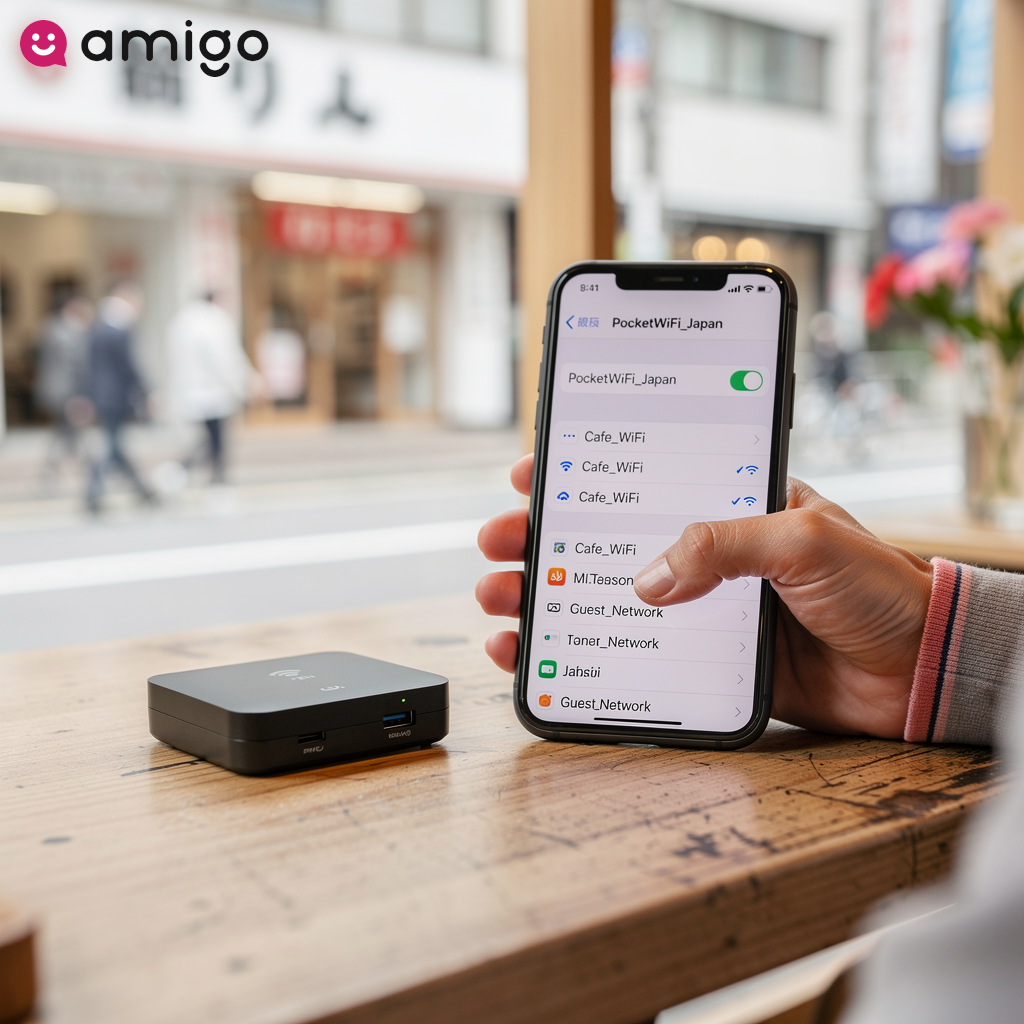
The device creates a personal WiFi network that your phone or laptop can connect to, just like at home.
What is the difference between pocket WiFi and MiFi?
Practically speaking, there is no difference between a pocket WiFi and a MiFi. The term "MiFi" originated as a specific brand name for a mobile router, but it now functions as a generic classification similar to "Kleenex" for tissues. People use the terms MiFi, mobile hotspot, and portable WiFi router interchangeably to describe the exact same technology.
Pocket WiFi key features and specifications
| Feature | Specification | Details |
|
Device capacity |
5 to 15 devices |
Accommodates smartphones, tablets, and laptops simultaneously. Overall speed and bandwidth decrease as the device reaches maximum capacity. |
|
Battery life |
6 to 15 hours |
|
|
Network security |
WPA2 and WPA3 encryption |
Creates a private, closed network with strict password protection and a unique SSID, keeping sensitive data significantly safer than free public WiFi. |
|
Network source |
4G LTE or 5G |
Converts cellular signals into a local WiFi connection using either a physical SIM card or a digital eSIM. |
|
Data limitations |
Hard caps and fair usage policies |
|
|
Hardware options |
Rent or buy unlocked |
|
How does a pocket WiFi work?
A pocket WiFi acts as a hardware bridge that links directly to a cellular network via a physical SIM or digital eSIM. It takes high-speed 4G LTE or 5G data from your mobile plan and translates it into a usable, local WiFi signal.
After converting the data, the device generates a unique SSID. Connected devices join this network to access the internet securely.
How do you set up a portable WiFi router?
Setting up a portable WiFi router usually takes just two simple steps: getting the hardware ready and connecting your devices. I always recommend doing this initial setup at home or in your hotel room before hitting the streets.
- First, insert a physical SIM card or activate a digital eSIM. The pocket WiFi requires a fully charged battery to stay connected.
- When powered on, the mobile router broadcasts its specific SSID. Find the network name on your phone or laptop to access the internet. Entering the provided password establishes the connection and secures the network through standard encryption protocols like WPA2 or WPA3.

What are the benefits of using a pocket WiFi?
A portable router offers more than just internet access; it saves money, supports multiple gadgets, and saves your phone's battery. The device ensures strong network security by broadcasting a private, encrypted connection.
How many devices can connect to a mobile hotspot?
Typically, a standard mobile hotspot supports between five and 15 devices simultaneously, easily accommodating a traveler's mix of smartphones, tablets, and laptops.
This makes it perfect for remote workers who need to connect multiple devices at once. Just keep in mind that overall speed and bandwidth decrease for each user if the pocket WiFi reaches its maximum capacity.
Can you use a pocket WiFi for remote work?
If you work remotely, a mobile hotspot is invaluable. Instead of hunting for a cafe with decent internet, you get a stable 4G LTE or 5G connection that easily handles demanding tasks like video conferencing and large file transfers from anywhere.
A private connection also guarantees strong network security to protect sensitive work data when working from cafes or airports.
What are the disadvantages of a pocket WiFi?
While highly convenient, relying on a pocket WiFi does come with a few drawbacks, mostly related to carrying extra gear and managing your data:
- You have to remember to charge and carry another device.
- You may have to deal with data caps.
- The device depends entirely on the strength and availability of a local cellular network. It won't provide internet access if you visit remote areas with poor signal coverage.
How long does a pocket WiFi battery last?
While a pocket WiFi battery can last up to 15 hours on a single charge, heavy use can drain it in as little as six. I learned the hard way that a dead hotspot in a foreign city is a quick recipe for getting lost. Because of this, it might not survive a full, demanding day of travel without a recharge. An external power bank is highly recommended for continuous internet access.
Examples of heavy usage that drain the battery faster include connecting five devices for remote work or operating the hotspot in locations with weak cellular signals.
How do data limits and fair usage policies affect pocket WiFi?
Data limits and fair usage policies significantly reduce internet speeds once you use a certain amount of prepaid travel data. These restrictions affect mobile data plans in two primary ways. Hard data caps completely halt internet access if a traveler reaches their maximum allowance, while a fair usage policy prevents cellular network congestion by throttling speeds for heavy consumers.
Providers apply these rules to ensure equal bandwidth access across 4G LTE and 5G networks. Connection speeds drop dramatically to basic levels if you use too much data on an advertised unlimited plan. High-bandwidth tasks, such as streaming high-definition video and downloading large files, become nearly impossible once your speeds are throttled.
Is a pocket WiFi secure?
This technology is highly secure, offering a private, encrypted connection that protects personal data from unauthorized access. Whether you are sending sensitive work documents or logging into your bank, the device protects your information in two main ways:
- A portable WiFi router restricts network access through strict password protection and a unique SSID. This prevents strangers from joining your network.
- The device encrypts your data. The system provides a password-protected connection using industry-standard encryption protocols, such as WPA2 and WPA3, to scramble internet traffic.
How does pocket WiFi compare to public WiFi?
Free public networks in cafes or airports often lack passwords, leaving your data exposed to anyone on the same network. I've seen too many travelers compromise their personal information just to save a few bucks on internet access. Having a dedicated mobile hotspot is significantly safer because it creates a closed, private network that requires a password, encrypting your data before it ever reaches the web.
Paying for a dedicated mobile hotspot gives you a safe, stable connection to prevent unauthorized access. The device actively enforces WPA2 or WPA3 encryption. A personal pocket WiFi protects sensitive data for digital nomads, such as programmers, writers, and consultants, while working remotely.
How does pocket WiFi compare to other connectivity options?
Travelers have several alternatives to a pocket WiFi, including an eSIM, a physical SIM card, smartphone tethering, and international data roaming. The right option depends on your devices and how much data you need.
Should you choose pocket WiFi or an eSIM?
You might choose an eSIM for convenience, but a pocket WiFi is better if you want to connect multiple personal devices and preserve phone battery life. Providers like amigosim.com offer instant activation of prepaid travel data via a digital eSIM. The eSIM connects directly to a local cellular network to get online instantly.

Using a standalone router also preserves your smartphone's battery. Relying on an eSIM for hotspot sharing drains the host device quickly. A portable router provides stable internet access for multiple connected gadgets, such as laptops, tablets, and secondary smartphones. An eSIM is perfect for independent digital nomads, whereas a pocket WiFi is better for groups or users managing heavy mobile data plans.
Should you choose pocket WiFi or a physical SIM card?
A physical SIM card is a cheap option for one smartphone. But a pocket WiFi provides superior connectivity if a traveler wants to keep their home phone number active while connecting multiple gadgets, such as laptops, tablets, and smartwatches. Purchasing a local cellular chip involves removing the primary card, which creates the hassle of missing incoming calls or texts from home.
Traditional portable routers use a physical SIM card to establish a cellular network connection, but the unit broadcasts internet access without having to remove your own SIM card. This mobile hotspot delivers prepaid travel data while bypassing expensive international data roaming. Relying on a standalone device ensures access to flexible mobile data plans, such as daily data passes and monthly regional packages, without messing with your phone.
Should you use pocket WiFi or smartphone tethering?
Smartphone tethering provides quick, temporary connectivity, but a dedicated pocket WiFi works much better for heavy, multi-device usage. Relying on a phone for continuous internet routing drains the battery and makes the phone overheat.
Instead of straining your phone, a portable router uses dedicated processing power and antennas to handle heavy data traffic for your laptops and tablets. You should choose a pocket WiFi if you need sustained hotspot sharing and maximum battery life instead of tethering with a heavy power bank.
Should you rent or buy an unlocked pocket WiFi?
You can either rent a pocket WiFi or buy an unlocked one. Renting provides an all-inclusive service with built-in mobile data plans and immediate connectivity for short trips. Travelers avoid high upfront hardware costs and simply return the device after the trip. This method makes financial sense for a single, brief vacation if you prioritize ultimate convenience over long-term savings.

Owning an unlocked device saves you money in the long run and gives you more options for continuous travel. If you take more than a couple of international trips a year, buying your own hardware is a complete no-brainer. This strategy eliminates recurring daily rental fees. An unlocked device grants users the freedom to select the most affordable prepaid travel data from various connectivity formats, such as purchasing a physical SIM card or activating an eSIM. Owning your device means you aren't locked into one provider, which is great if you travel often.
Is a pocket WiFi worth it for international travel?
Bringing a portable router is highly worthwhile for an international trip. It offers a secure, cost-effective method to keep all your devices online. A mobile hotspot provides significant financial value by replacing expensive home carrier plans, and travelers avoid exorbitant international data roaming charges by purchasing independent prepaid travel data.
A private connection supports essential daily tasks like map navigation, language translation, and WiFi calling. A portable router also acts as a safe alternative to vulnerable public networks. This is especially important for remote workers who need to handle sensitive files securely. While there is a small upfront cost and a bit of setup involved, the peace of mind that comes with guaranteed, private internet access is usually well worth the investment. Trust me, once you travel with your own secure connection, you'll never want to go back to hunting for free cafe WiFi.
Sources
- https://www.prnewswire.com/news-releases/novatel-wireless-secures-registered-trademark-for-mifi-92752434.html
- https://consumer.ftc.gov/articles/are-public-wi-fi-networks-safe-what-you-need-know