

What is cellular data?
Cellular data, or mobile data, provides wireless internet access through carrier networks when Wi-Fi is unavailable. It works by beaming signals from cell towers directly to your phone. This keeps your mobile devices, like smartphones, tablets, and smartwatches, continuously connected.
To connect, your phone needs to verify who you are using a physical SIM card or a digital eSIM. This connectivity is essential for internet access on the go, allowing you to use data on high-speed 4G LTE and 5G networks. You manage your monthly usage limits through data plans purchased from mobile operators.
Cellular data usage and specifications breakdown
| Category | Key metric | Details |
|
Wi-Fi vs. cellular range |
150 feet (Wi-Fi) |
Indoor Wi-Fi range is typically limited to 150 feet, while cellular data bounces signals between cell towers to provide expansive coverage across cities and countries. |
|
5G network speeds |
10 to 100 times faster |
5G offers massive device capacity and minimal delay, providing 10 to 100 times faster download speeds than 4G LTE under ideal conditions. |
|
Streaming data consumption |
150 MB to 7 GB per hour |
|
|
Unlimited plan throttling |
50 to 100 GB |
Mobile operators enforce fair usage policies and will intentionally throttle data transfer speeds if a device exceeds a high-usage threshold of 50 or 100 gigabytes. |
|
Amigo eSIM travel plans |
190+ destinations |
Provides prepaid travel data plans with flexible packages (such as 5GB or 10GB) for over 190 destinations, allowing travelers to connect at local rates and avoid roaming fees. |
What is the difference between cellular data and Wi-Fi?
Cellular data and Wi-Fi provide internet access through entirely different systems. Wi-Fi connects devices to a localized router that plugs into a broadband connection. This technology requires physical proximity, with indoor ranges typically limited to 150 feet.
Mobile data keeps you connected anywhere by bouncing signals between cell towers. This infrastructure provides expansive network coverage across entire cities and countries.
When it comes to security, your cellular connection has a major advantage over public Wi-Fi. Mobile carriers implement strong encryption protocols to protect user information.
These protocols include built-in security features like LTE and 5G encryption. Public Wi-Fi, however, exposes devices to interception risks, particularly if the local connection lacks password protection. In my experience, this is exactly why it's always safer to rely on your cellular connection rather than a random coffee shop's open Wi-Fi when handling sensitive information.
Usage limits and authentication methods also separate these technologies. Accessing a Wi-Fi network requires only a local password and generally offers unmetered bandwidth with low latency for stationary activities. Using cellular networks, however, consumes a data allowance based on the data plan you bought from your carrier.

How does cellular data work?
Cellular data functions by transmitting digital information wirelessly over radio frequencies. To establish this invisible connection, your phone relies on antennas and modems along with strict verification. Devices authenticate with the network using a SIM card to establish a secure connection and confirm who you are with the carrier.
How do cell towers provide network coverage?
Cell towers are tall structures with antennas that beam radio waves, creating a web of coverage areas. A mobile device containing an active SIM card maintains a continuous cellular data connection as long as it remains within that range. The more towers there are in an area, the stronger and more reliable your mobile data network will be.
Having more cell towers close together reduces latency and increases available bandwidth for modern cellular networks like 4G LTE and 5G.
How do 4G LTE and 5G improve speed and latency?
Newer networks like 4G and 5G are leaps and bounds faster than old 3G connections. 4G LTE enables reliable mobile broadband for tasks requiring significant bandwidth, such as accessing HD video on streaming services.
5G offers massive device capacity and minimal delay, providing 10 to 100 times faster download speeds than 4G LTE under ideal conditions. To support these massive 5G speeds, carriers are constantly upgrading their cell towers with new antenna technologies.
How do cellular data plans work?
A cellular data plan is simply a package you buy from a carrier that provides a set amount of internet access for a set billing cycle. Carriers usually sell this access in two main ways: through prepaid or postpaid subscriptions. These plans give you a set data allowance, which is simply the amount of internet traffic—like websites, videos, and emails—you can use during your billing cycle.
How are megabytes and gigabytes calculated?
Carriers measure your data in megabytes (MB) and gigabytes (GB). Think of it like gallons of gas in a car. Smaller tasks, like sending a text-only email, only use a few megabytes, while heavy tasks burn through gigabytes.
Heavy internet use eats up gigabytes fast. Watching high-definition content on streaming services, for instance, uses 3 gigabytes per hour. If you've ever wondered why your data allowance vanished after a weekend movie marathon on the go, this is the reason. Your carrier subtracts this data from your monthly plan as you use it.
What are unlimited data plans?
An unlimited data plan provides unrestricted cellular data usage for a flat monthly fee. They are great for heavy internet users who stream a lot of video or download large files. This means you don't have to worry about surprise overage charges showing up on your next bill.
But here's the catch: unlimited rarely means truly unlimited. Mobile operators enforce fair usage policies to manage network capacity. Data throttling occurs if you exceed a high-usage threshold, such as limits of 50 or 100 gigabytes.
Additional restrictions often apply to shared connections, such as reduced speeds for tethering or using a mobile hotspot. This prevents a few heavy users from slowing down the network for everyone else, though it means your own speeds will drop significantly once you hit that hidden cap.
What causes data throttling and overage charges?
Going over your data limit usually leads to two things:
- Unexpected overage charges
- Intentional bandwidth throttling
Carriers will charge you extra fees if you use more data than your plan allows.
Network providers use throttling as a management tool to prevent system congestion. Carriers reduce mobile data transfer speeds significantly after a device reaches a certain limit, even on an unlimited data plan. This makes your internet painfully slow, causing videos to buffer and websites to take forever to load.
What activities consume the most cellular data?
Certain digital activities and smartphone applications are the primary culprits behind high cellular data consumption. Keeping an eye on your data usage helps you avoid surprise slowdowns or fees if you use these demanding applications daily.
How much data do streaming services use?
Streaming video is one of the fastest ways to eat up your data, capable of using several gigabytes of cellular data hourly. Social media platforms burn through data quickly by autoplaying videos and loading high-res images. While audio streaming uses relatively little data, video is a different story: the higher the resolution, the faster your allowance disappears. Standard-definition video sips data, but streaming in 4K will drain your plan in hours.
Applications like Netflix and YouTube stream high-quality video, making them the largest data consumers on devices.
- Listening to music online: 150 MB per hour
- Watching standard-definition video: 1 GB per hour
- Streaming 4K content: 7 GB per hour
Does background app refresh consume your allowance?
Yes, background app refresh continuously consumes a data allowance to sync files and fetch updates. Applications drain mobile data silently to refresh content even when a phone is locked or closed, creating a cumulative effect on monthly limits. Certain apps, such as social media and email applications, rely on this constant activity to provide instant notifications.
These programs consume hundreds of megabytes over time to refresh feeds. As a quick pro-tip, manually turning off background refresh for the apps you rarely use is one of the easiest ways I've found to stretch a limited data budget. Consistent data usage tracking prevents this hidden drain on cellular data. You can save data and battery by turning on data saver mode or low data mode if you notice a decrease in battery life.
How do tethering and mobile hotspots affect data usage?
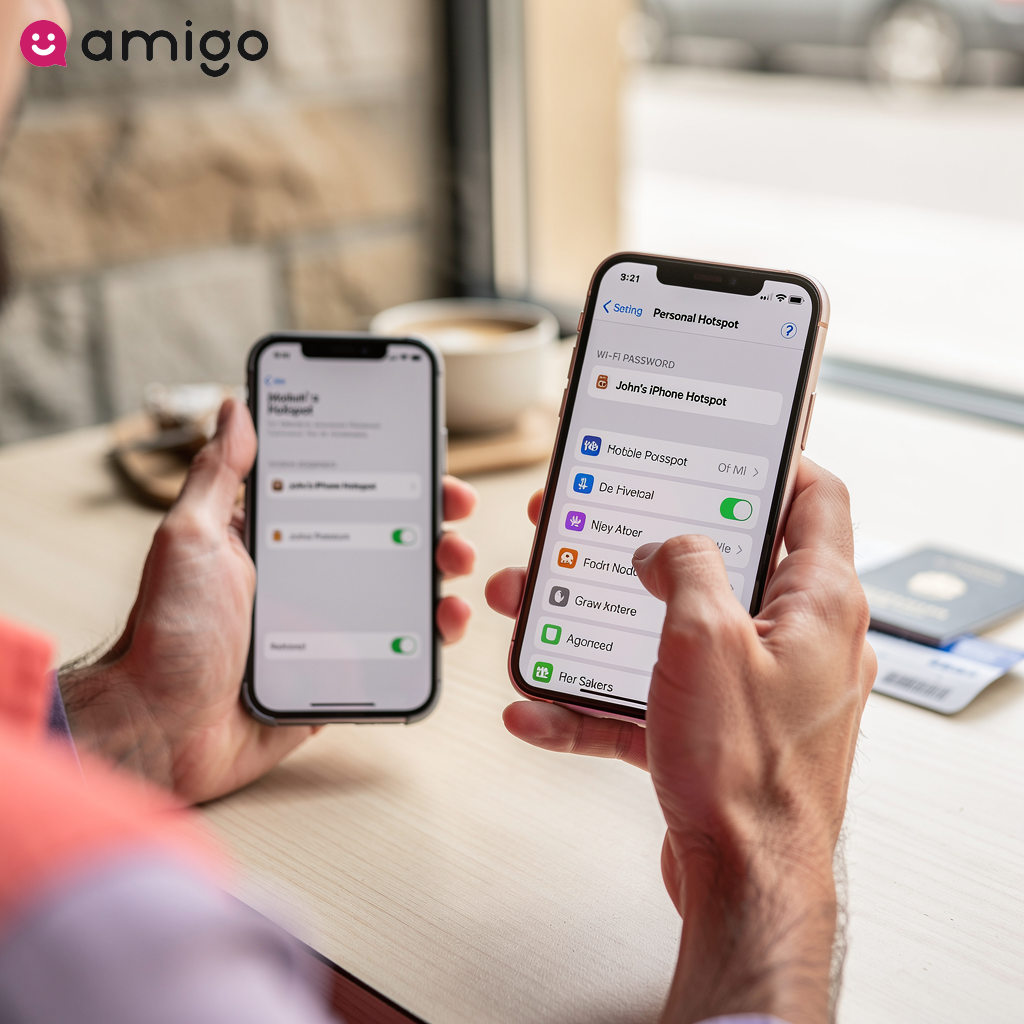
Tethering turns your smartphone into a portable Wi-Fi router, allowing you to share your cellular connection with other devices. Because a mobile hotspot draws directly from your phone's data allowance, it can drain your monthly gigabytes incredibly fast if you aren't on an unlimited plan.
Connected devices like laptops and tablets require significantly more bandwidth than smartphones. These larger electronics drain data plans faster by loading complex desktop-version websites and running heavy background tasks, such as automatic operating system updates and cloud synchronizations. Sharing an internet connection is one of the fastest ways to use up your data and deplete monthly limits.
How can you track your data usage?
You can easily check your data usage and track remaining limits through built-in smartphone cellular settings or official carrier applications. These 2 primary methods are the best ways to monitor how much cellular data a device has used during a billing cycle. Consistent data usage tracking prevents unexpected consequences on limited data plans, such as overage charges or sudden bandwidth throttling.
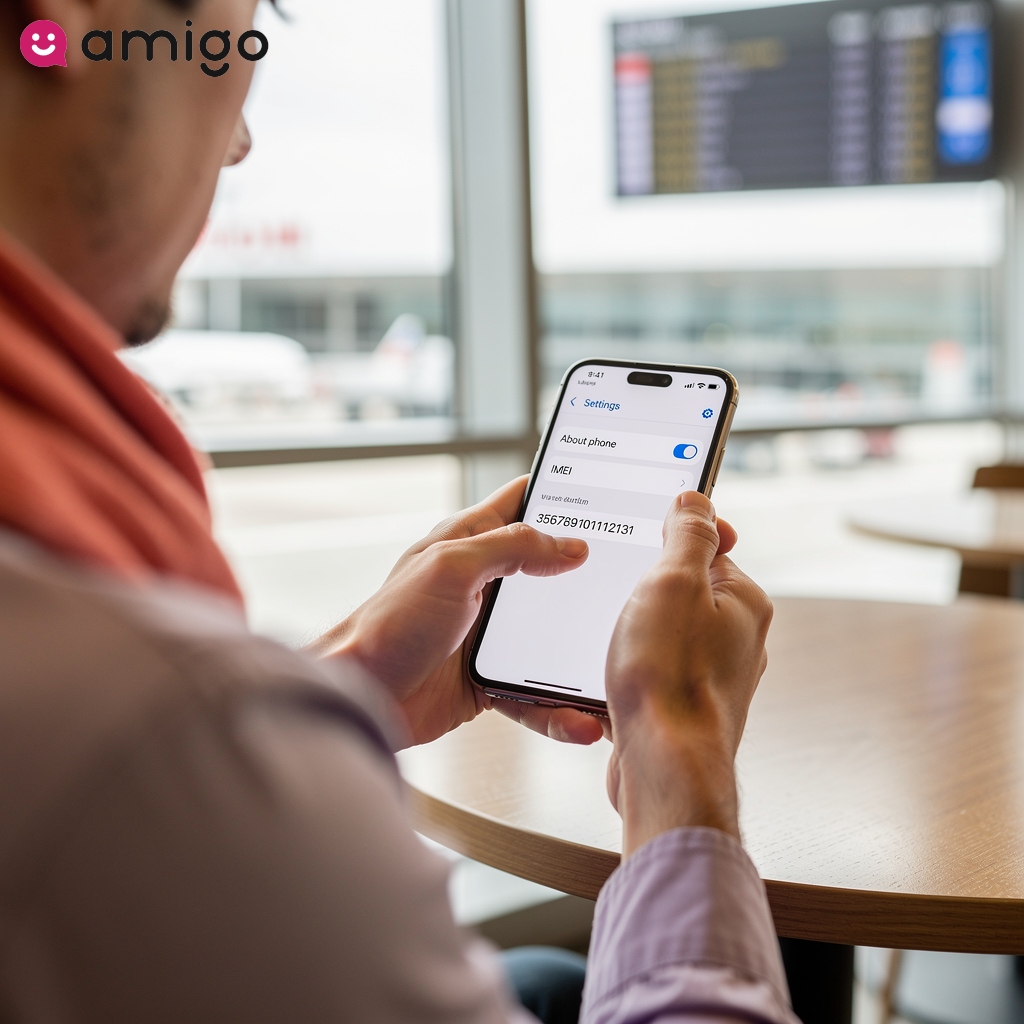
Both iPhones and Androids have built-in trackers. These device settings allow you to see exactly how many megabytes or gigabytes individual applications—like streaming services or hidden background data—have consumed from a data allowance. You access these tracking features directly within the network or connections tab of your phone settings. You can also check the official application of the network provider, which displays the exact remaining balance linked to an active SIM card. Checking these stats regularly helps you stay in complete control of your data plan.
How can you reduce mobile data consumption?
Tired of running out of data before the month ends? You can easily cut down on your data usage by tweaking a few settings on your phone. Both iOS and Android have built-in features that stop apps from secretly connecting to the internet in the background.

How does data saver mode conserve bandwidth?
Data Saver Mode conserves bandwidth by:
- Restricting non-essential background data access
- Pausing automatic updates
- Lowering video and image quality
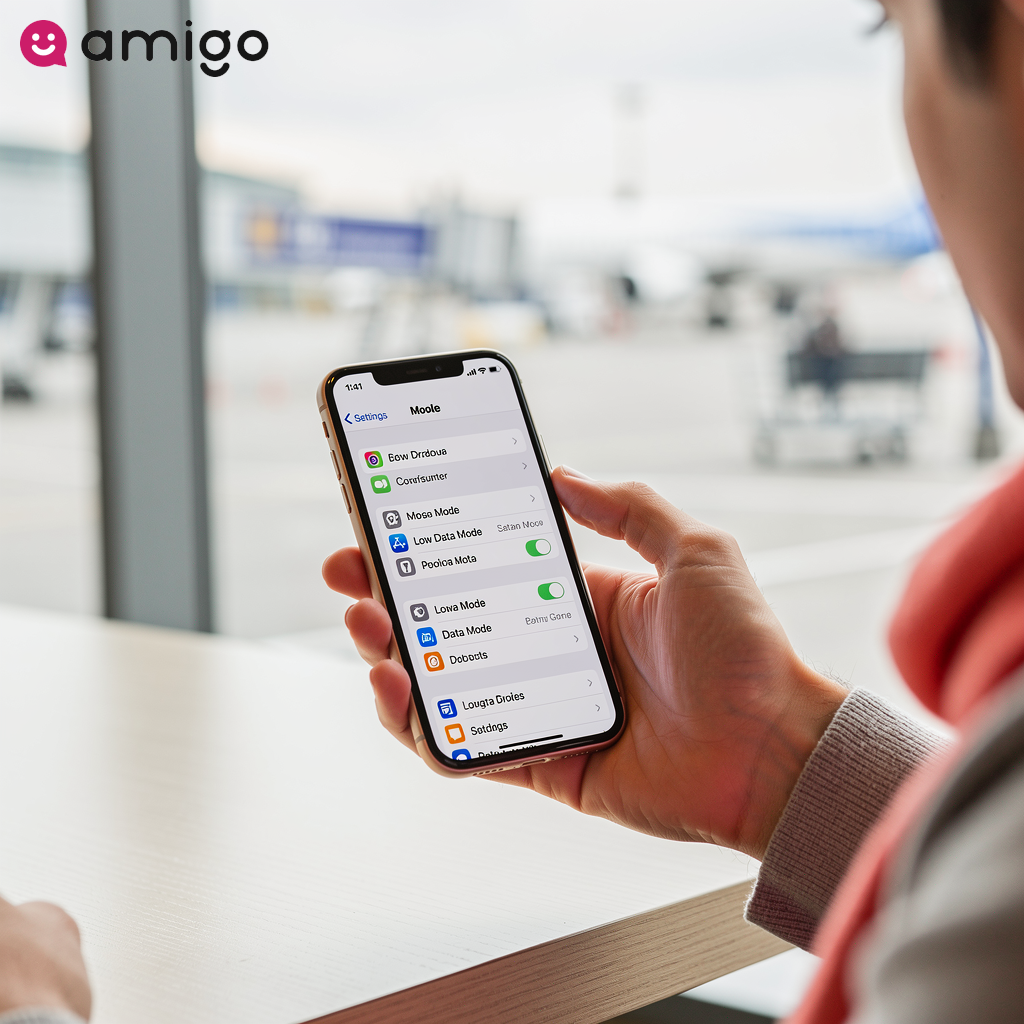
Built-in smartphone features, like Data Saver on Android and Low Data Mode on iOS, reduce mobile data consumption by focusing data on what you're actually doing and stopping background apps from wasting it.
These settings halt background app refresh processes to stop applications from silently consuming a data allowance. Activating these features limits the bandwidth used by streaming services by automatically downgrading video quality. This prevents the rapid loss of gigabytes if you stream video over cellular data instead of Wi-Fi.
Should you turn off cellular data when connected to Wi-Fi?
Turning off your cellular data ensures your phone won't secretly use it if your Wi-Fi drops. There are 2 primary benefits to this action: protecting a data allowance and extending battery life.
Smartphones automatically seek the strongest connection to maintain network coverage. Because of this, devices secretly switch networks, consuming bandwidth and background data. This hidden activity can trigger financial penalties like overage charges. I personally make it a habit to toggle my cellular data off whenever I know I'll be on a stable home Wi-Fi network for the rest of the day. By simply turning off your cellular data, you stop the phone's constant search for cell towers, reducing battery drain dramatically and simplifying data usage tracking.
Can airplane mode prevent unwanted background data?
Airplane mode is the easiest way to guarantee no background data is used. This setting shuts down your phone's primary wireless connections: cellular data, Wi-Fi, and Bluetooth.
You can use this common strategy to prevent accidental data roaming and unexpected overage charges. This offline state preserves battery life and blocks network coverage if you want zero risk of mobile data consumption abroad.
How can you use cellular data while traveling internationally?
When you travel abroad, you generally have three ways to stay connected: carrier data roaming, purchasing local physical SIM cards, or activating flexible prepaid travel eSIM plans. Securing mobile data outside a home country is shifting from traditional physical SIM swapping to modern digital solutions, ensuring continuous internet access.
What is data roaming?
Data roaming activates when a mobile device connects to a secondary carrier's network to access the internet. This happens when you travel outside your primary provider's coverage area. To keep you connected, your home carrier relies on partnerships with foreign networks. Your smartphone automatically searches for partner cell towers to maintain continuous cellular data access if the original signal drops completely. Multiple network generations support this global transition, including 3G, 4G LTE, and 5G.
This automatic network transition is highly expensive because using foreign infrastructure requires the home carrier to pay premium wholesale rates to the international provider. Carriers pass these high costs onto you in the form of expensive roaming fees, such as extra fees and unexpected overage charges. We've all heard the horror stories of travelers coming home to phone bills that cost more than their flights, and data roaming is almost always the culprit. A standard physical SIM card continues to consume mobile data and bandwidth at inflated pay-as-you-go rates if a traveler lacks active international data plans.
How can you avoid international roaming fees?
The most effective strategies to prevent a massive roaming bill include disabling data roaming, turning on airplane mode, relying on Wi-Fi, or purchasing a dedicated international data plan. You can use an eSIM or enable airplane mode to avoid financial penalties, such as overage charges, while using a device offline or on Wi-Fi.
Changing your settings before you land prevents your phone from accidentally connecting to a foreign network. You can secure cellular data through much cheaper alternatives, like purchasing prepaid travel data or a local SIM card. This guarantees safe mobile data access.
How do travel eSIMs provide prepaid data?

Travel eSIMs use an embedded digital chip within a smartphone to instantly download and activate prepaid travel data for countries. By doing so, this modern technology bypasses the physical requirement of swapping a traditional SIM card. The best part is that it lets your phone store multiple plans at once, such as domestic and international data plans.
An eSIM simplifies the process of buying cellular data abroad by enabling travelers to secure network coverage before arrival. You can easily control your costs and get local rates by buying a plan through an app.
When you activate an eSIM, you simply choose how much data you need, like 5GB or 10GB. This ensures flexible internet access without removing a primary domestic number.
How can you stay connected globally with Amigo eSIM?
Amigo eSIM is an easy way to stay connected globally, providing prepaid travel data plans for over 190 destinations. This dedicated eSIM provider makes it easy to get affordable and reliable internet access by allowing you to connect at local rates and completely avoid expensive data roaming. Purchasing international data plans directly through amigosim.com simplifies international travel by eliminating the physical process of swapping traditional SIM cards.
The service ensures continuous network coverage across multiple cellular generations, including 4G LTE and 5G. You can manage your data effectively by selecting a data allowance that fits your exact requirements, with packages offering 5 or 10 gigabytes. You'll have instant access to this cellular data upon arrival if you download the digital profile over a stable Wi-Fi connection prior to departure.
Sources
- https://www.wowway.com/help-center/internet/how-far-will-my-routers-wifi-signal-reach
- https://www.taoglas.com/blogs/4g-vs-lte-vs-5g-key-differences-in-network-capabilities-and-performance/
- https://thebitjoy.com/blogs/blog/how-much-data-does-streaming-use